
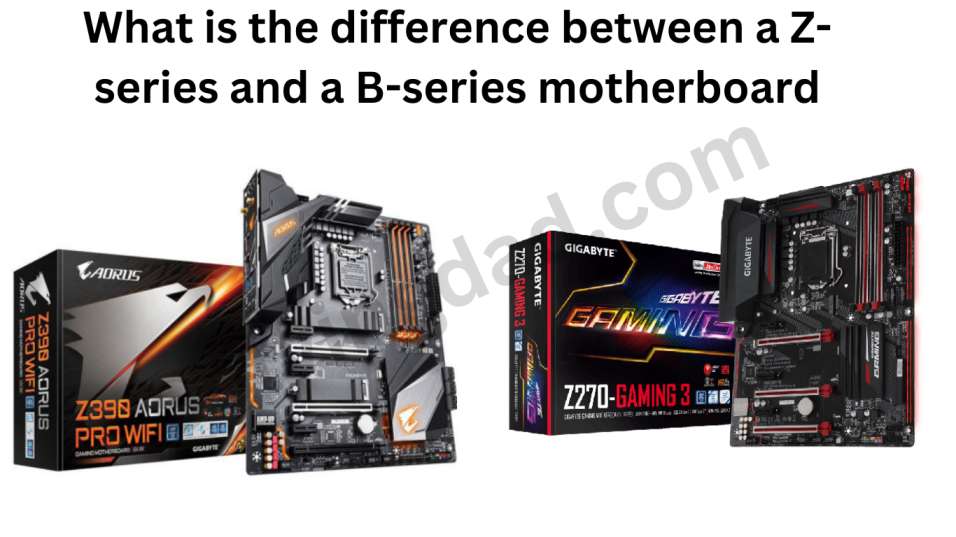
The difference between a Z-series motherboards and B-series motherboards: If you’re planning to build a new PC, one of the most important components you’ll need to choose is the motherboard. Motherboards come in a variety of different models, and two of the most common types are Z-series and B-series motherboards. But what is the difference between these two types of motherboards, and which one is right for you? Let’s take a closer look.
Z-series Motherboards
Z-series motherboards are typically designed for high-end performance and overclocking. They are usually more expensive than B-series motherboards and offer a range of advanced features. Some of the key features of Z-series motherboards include:
- Advanced Overclocking Capabilities: Z-series motherboards are designed to offer advanced overclocking capabilities, which allow you to push your CPU and other components to higher speeds than their default settings.
- Higher RAM Speeds: Z-series motherboards support higher RAM speeds than B-series motherboards, which can improve overall system performance.
- Multiple PCIe Lanes: Z-series motherboards have more PCIe lanes than B-series motherboards, which allow you to add more expansion cards like graphics cards, sound cards, or NVMe storage devices.
- Better Power Delivery: Z-series motherboards often have better power delivery systems that can provide more stable power to the CPU and other components when overclocking.
B-series Motherboards
B-series motherboards are designed for mid-range performance and are generally more affordable than Z-series motherboards. While they may not offer as many features as Z-series motherboards, they still provide strong performance and are a great option for budget-conscious users. Some of the key features of B-series motherboards include:
- Budget-Friendly: B-series motherboards are generally more affordable than Z-series motherboards, making them a great choice for users who want to build a powerful system without breaking the bank.
- Solid Performance: While they may not offer the same level of performance as Z-series motherboards, B-series motherboards still offer solid performance and can handle most tasks with ease.
- Adequate RAM Support: B-series motherboards typically support lower RAM speeds than Z-series motherboards, but they can still support up to 64GB or more of RAM, which is more than enough for most users.
- Limited PCIe Lanes: B-series motherboards have fewer PCIe lanes than Z-series motherboards, which means you’ll have fewer expansion card options.
Which One Is Right For You?
The choice between a Z-series and B-series motherboard ultimately comes down to your specific needs and budget. If you’re looking to build a high-end system with advanced features and overclocking capabilities, a Z-series motherboard is the way to go. However, if you’re looking for a more budget-friendly option that still offers solid performance, a B-series motherboard may be a better fit.
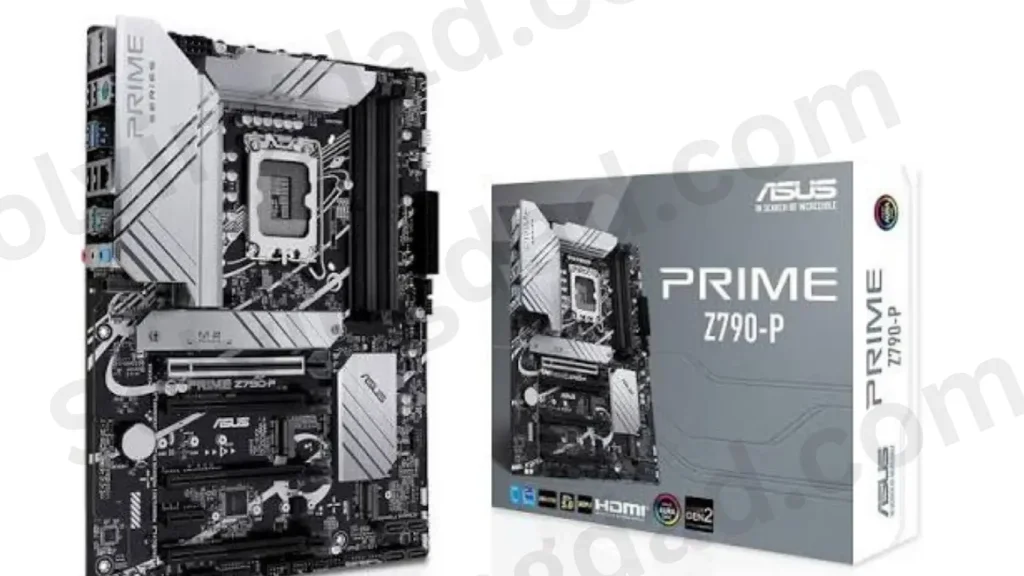
Z-Series Motherboard
Advantages
- ✅ CPU overclocking support on compatible unlocked CPUs (e.g., K-series)
- ✅ Usually better VRM/power delivery, especially on higher-end boards
- ✅ More PCIe lanes and expansion options
- ✅ More M.2/PCIe slots on many models
- ✅ More USB/connectivity options
- ✅ Better suited for high-end gaming and workstation builds
- ✅ More BIOS tuning options
Disadvantages
- ❌ More expensive
- ❌ Many features may be unnecessary for a normal user
- ❌ A powerful Z motherboard doesn’t automatically make the CPU faster
- ❌ Overclocking can increase heat and power consumption
B-Series Motherboard
Advantages
- ✅ Cheaper than Z-series
- ✅ Excellent for normal gaming and everyday use
- ✅ Usually supports the same CPU generation
- ✅ Good enough for a non-overclocked CPU
- ✅ Lower overall build cost
- ✅ Often provides everything most users actually need
Disadvantages
- ❌ CPU overclocking is generally not supported
- ❌ Usually fewer PCIe/M.2/USB expansion options
- ❌ Less BIOS tuning
- ❌ Some cheaper B-series boards have weaker VRMs
- ❌ Less suitable for extreme high-end builds
| Feature | Z Series | B Series |
|---|---|---|
| Price | 💰💰💰 | 💰💰 |
| CPU Overclocking | ✅ | ❌ Generally |
| RAM tuning | More flexibility | More limited depending on platform |
| Expansion | More | Less |
| M.2 slots | Usually more | Usually fewer |
| USB/connectivity | More | Less |
| High-end CPUs | Better suited | Depends on motherboard |
| Normal gaming | ✅ | ✅ |
| Budget build | ❌ | ✅ |
Simple rule:
👉 B-series = value for money
👉 Z-series = more features + overclocking + high-end builds
Conclusion
In conclusion, the difference between Z-series and B-series motherboards comes down to their intended use and level of performance. Z-series motherboards are designed for high-end performance and overclocking, with advanced features such as higher RAM speeds, multiple PCIe lanes, and better power delivery systems. B-series motherboards, on the other hand, are more budget-friendly and designed for mid-range performance, offering solid performance and adequate RAM support but with fewer PCIe lanes and fewer advanced features.
Also Read: What is AAFP on motherboard?
FAQ
What are some other types of motherboards available for Intel processors?
Some other types of motherboards include H-series (which are similar to B-series but may offer additional features like Wi-Fi), X-series (which are high-end enthusiast motherboards with even more advanced features than Z-series), and Q-series (which are designed for business use).
Can I use a Z-series motherboard with an AMD processor?
No, Z-series motherboards are designed specifically for Intel processors and use a different socket than AMD processors. AMD processors require motherboards with an AM4 socket.
Are Z-series motherboards worth the extra cost?
It depends on your needs and priorities. If you’re a power user who wants to maximize your computer’s performance and capabilities, a Z-series motherboard may be worth the investment. However, if you’re a more casual user who doesn’t need all the advanced features, a B-series (or even an H-series) motherboard may be a more cost-effective option.
Do B-series motherboards support overclocking?
Yes, most B-series motherboards do offer some level of overclocking support. However, the level of support and the extent to which you can overclock may be more limited compared to a Z-series motherboard.
Can I use multiple GPUs with a B-series motherboard?
Generally, no. B-series motherboards typically only support a single GPU, while Z-series motherboards may offer support for multiple GPUs.