
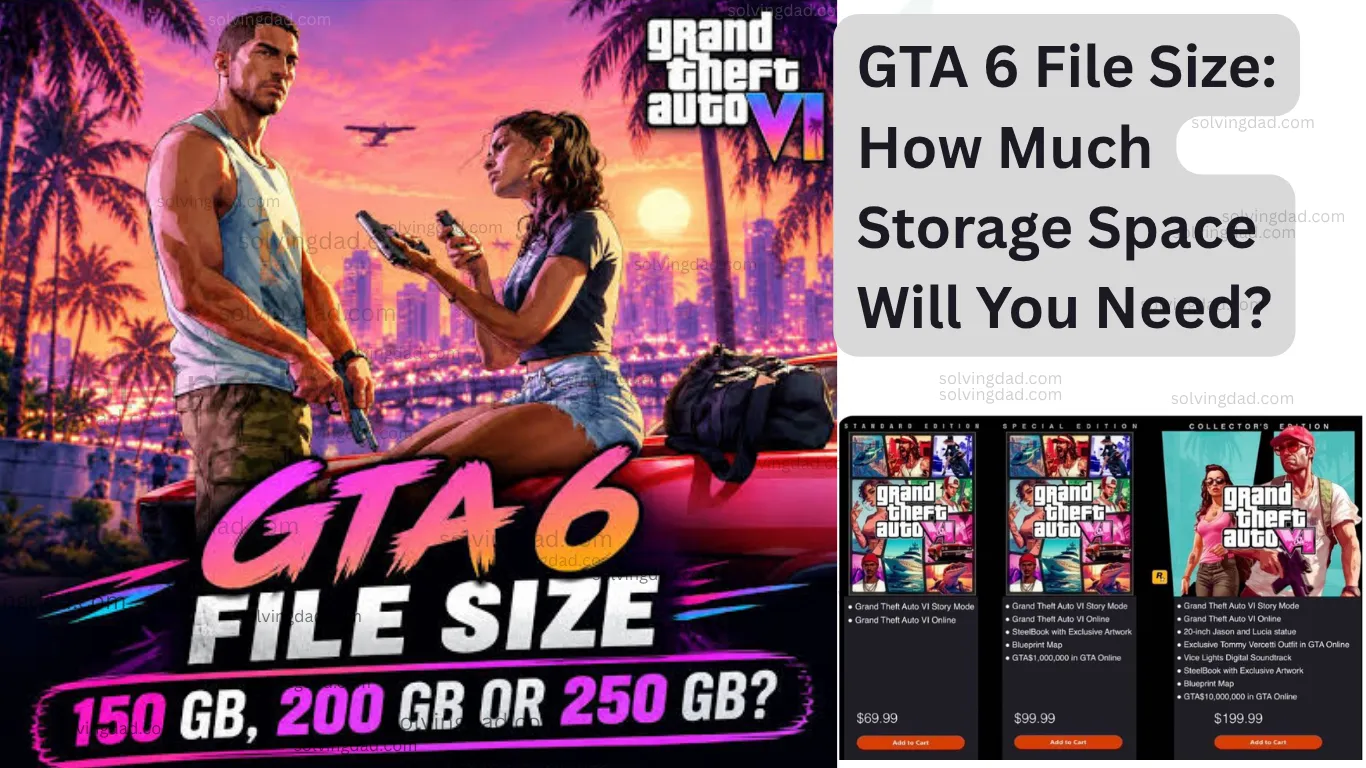
You’ve pre-ordered GTA 6, you open your console’s storage screen, and your stomach drops a little. Half the drive is full of games you haven’t touched in a year. The GTA 6 file size is big, and it’s worth sorting out before pre-load opens on November 10. Here’s what Rockstar has actually said, what it means for your console, and the simplest ways to make room.
Quick answer
- Official size: up to 212 GB, depending on your device
- Per-console breakdown: not published by Rockstar yet
- My advice: clear a bit more than 212 GB, so updates don’t catch you out
- Platforms: PS5 and Xbox Series X|S (no PC version announced)
Table of Contents
What Rockstar Has Confirmed About the GTA 6 File Size
Rockstar’s number is simple: the game needs up to 212 GB of storage, depending on the device. That’s the ceiling, not a promise of an exact figure on every console.
There’s one detail worth noticing. Rockstar hasn’t published a breakdown per console, so nobody outside the company can say whether PS5 and Xbox Series X|S end up at the same size. If you’ve seen a page claiming exact sizes for each console, it’s guessing.
For a sense of scale, Red Dead Redemption 2’s PC requirements at launch listed 150 GB of storage. That was a different platform and a different year, but it shows Rockstar’s games have been getting heavier for a long time.
How Much Free Space Do You Actually Need?
Here’s my rule of thumb: don’t aim for exactly 212 GB. Aim for 212 GB plus a cushion.
Why? Because the size can change. The final install size could grow with launch-day updates and future content. Rockstar hasn’t said how big any update will be, so a spare 20 to 30 GB is a sensible buffer. That’s my own advice, not an official figure.
So the practical target is roughly 240 GB free, on the drive where the game will be installed. If you end up with extra room, great. If you’re a few gigabytes short on launch morning, you’ll be annoyed.
Will It Fit on Your Console?
It depends on which console you own and how full it already is. These usable-space numbers are rough, because every console loses some storage to its system files:
- Original PS5 (825 GB): players get a little over 660 GB of usable space. GTA 6 would take around a third of that.
- Xbox Series X (1 TB): about 802 GB is usable. That leaves comfortable room if you tidy up first.
- Xbox Series S (512 GB): roughly 364 GB is usable. This is the tight one. One copy of GTA 6 could take well over half of what’s available, so expect to uninstall other games.
Newer or larger models have more room. The only number that really matters is the one on your own storage screen, so check it before you do anything else.
How to Make Room Without Losing Anything You Care About
Start by looking, not deleting.
On PS5, open Settings > Storage to see what’s using space. On Xbox, go to Profile & system > Settings > System > Storage devices. Sort by size, and the biggest culprits are usually obvious.
Then be ruthless in a calm way. Uninstalling a game doesn’t delete your save data or your purchase. You can download it again later, and most cloud-synced saves come back too. Still, before you remove something you’ve sunk a lot of time into, make sure your saves are backed up or synced.
A few other ideas:
- Remove old demos, trials and games you’ve finished. They add up faster than you’d think.
- Check for duplicate versions of the same game, such as old and new-generation copies.
- Think about expansion. On PS5, the fix is an M.2 SSD, and on Xbox Series X|S it’s a storage expansion card. Do this before November 10 if you want the full pre-load window.
One caution: don’t assume a cheap external USB drive will work for GTA 6. These consoles generally need current-generation games on the internal SSD or an approved expansion drive. An external drive is usually better for older games you want to move out of the way.
The Part People Forget: Your Internet and Data Plan
212 GB is a big download, and it can run into data limits. Rockstar’s size can exceed the monthly allowance on some data-capped plans. If your provider has a cap or a “fair usage” limit, check your plan before you start. Otherwise you could hit a slowdown mid-download, or pay extra.
Speed matters too, so here’s the best-case math. At 20 Mbps, 212 GB takes around 24 hours. At 50 Mbps, about 9.5 hours. At 100 Mbps, close to 5 hours. At 200 Mbps, roughly 2.5 hours. Real-world speeds are usually lower, so treat these as the quickest case.
If you can, use a cable instead of Wi-Fi, and leave other downloads alone while this one runs. For the full walkthrough, read our guide on how to pre-load GTA 6 on PS5 and Xbox Series X|S.
What We Don’t Know Yet
Plenty is still open:
- The exact size on each console
- How big any launch-day or later updates will be
- How much the game will grow after launch
And for Windows players, there’s no PC file size at all, because Rockstar hasn’t announced a PC version. Any PC number you see online is a guess. Our article on GTA 6 PC system requirements covers what to expect there.
Also Read: GTA 6 Map and Setting: What We Know About Vice City and Leonida
FAQs
How big is GTA 6?
Rockstar says up to 212 GB, depending on your device.
Is the file size the same on PS5 and Xbox?
Rockstar hasn’t published a per-console breakdown, so it’s not confirmed.
How much free space should I clear?
At least 212 GB, and I’d aim for around 240 GB so updates don’t catch you out.
Will GTA 6 fit on an Xbox Series S?
It should fit, but it takes a big share of the usable space, so you’ll likely need to uninstall other games.
What’s the GTA 6 file size on PC?
There isn’t one. No PC version has been announced.
Check your storage screen tonight. If you’re short, uninstall a few things you don’t play, or look into an expansion drive before November 10. Once the GTA 6 file size stops being a mystery for your console, the rest of launch prep gets a lot easier.
Also Read: