
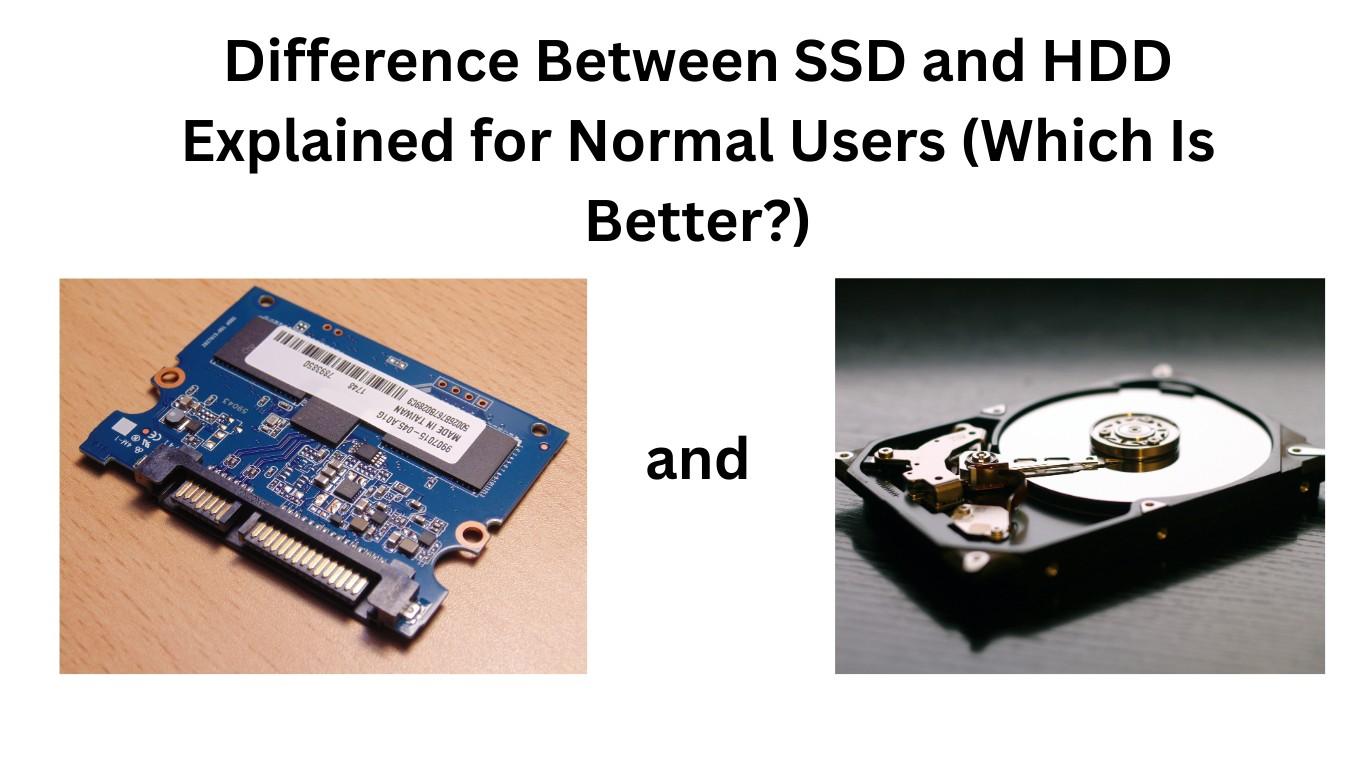
Difference between SSD and HDD is one of the most confusing topics for normal computer users, especially beginners who just want their PC or laptop to work faster and smoother. If you are unsure which storage type is better for you, this detailed guide will explain everything in simple, easy-to-understand language without technical jargon.
By the end of this article, you’ll clearly know what SSD and HDD are, how they work, their differences, and which one you should choose in 2026 based on real-life usage.
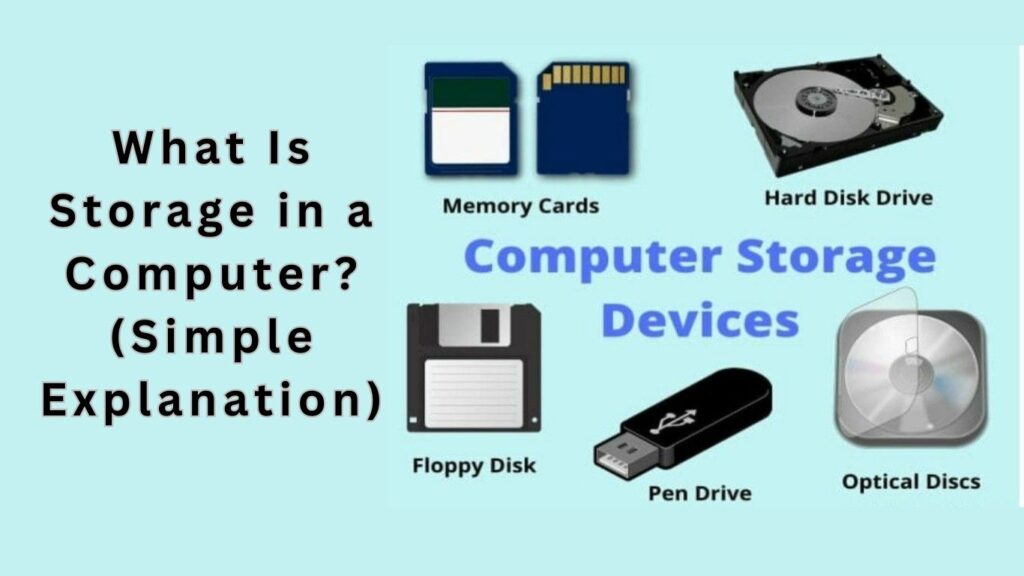
What Is Storage in a Computer? (Simple Explanation)
Before understanding the difference between SSD and HDD, let’s first understand what storage means.
Storage is the place where your computer keeps:
- Windows operating system
- Software and apps
- Photos, videos, documents
- Games and personal files
Without storage, your computer cannot save or load anything.
What Is an HDD (Hard Disk Drive)?
An HDD (Hard Disk Drive) is a traditional storage device that has been used in computers for decades.
How HDD Works (In Simple Words)
An HDD works like a CD player:
- It has spinning disks inside
- A moving arm reads and writes data
- The disk spins thousands of times per minute
Because of these moving parts, HDDs are slower and more prone to damage.
Advantages of HDD
- Cheaper price
- Available in large storage sizes (1TB, 2TB, 4TB)
- Good for storing movies, backups, and files
Disadvantages of HDD
- Slow boot time
- Applications load slowly
- Makes noise
- Can fail if dropped
Also Read: Laptop Buying Checklist for Copilot+ Features: RAM, NPU, and Battery Life Explained
What Is an SSD (Solid State Drive)?
An SSD (Solid State Drive) is a modern storage device with no moving parts.
How SSD Works
SSD stores data in flash memory, similar to:
- USB drives
- Memory cards
Because there are no spinning disks, SSDs are extremely fast.
Advantages of SSD
- Very fast speed
- Windows boots in seconds
- Silent (no noise)
- More durable
- Better for laptops
Disadvantages of SSD
- More expensive than HDD
- Limited storage at lower prices
Difference Between SSD and HDD (Side-by-Side Comparison)
| Feature | SSD | HDD |
|---|---|---|
| Speed | Very Fast | Slow |
| Boot Time | 5–15 seconds | 1–2 minutes |
| Noise | Silent | Noisy |
| Durability | High | Low |
| Price | Expensive | Cheap |
| Power Usage | Low | High |
| Best For | OS & Software | Storage & Backup |
This table clearly shows the difference between SSD and HDD for normal users.
Also Read:
SSD vs HDD Speed: Real-Life Example
Imagine this situation:
With HDD:
- PC startup: 2 minutes
- Chrome opens slowly
- System freezes sometimes
With SSD:
- PC startup: 10 seconds
- Apps open instantly
- Smooth multitasking
This speed improvement is why SSD is considered the biggest upgrade for any old computer.
Difference Between SSD and HDD for Normal Users
If you are not a technical person, here’s the simplest explanation:
- SSD = Fast, smooth, modern
- HDD = Slow, cheap, old technology
For daily use like:
- Browsing
- Online classes
- Office work
- YouTube
SSD is much better.
Which Is Better: SSD or HDD?
The answer depends on your usage, but for most users:
SSD Is Better If:
- You want faster performance
- Your PC feels slow
- You use Windows 10 or Windows 11
- You want better battery life in laptop
HDD Is Better If:
- You need large storage at low cost
- You store movies, photos, backups
- Speed is not your priority
Best Option: SSD + HDD (Recommended)
The smartest solution for normal users is:
- SSD for Windows and software
- HDD for storage
This gives:
- Fast performance
- Large storage
- Best value for money
Many modern PCs and laptops support dual storage.
Does SSD Improve Old Computer Performance?
Yes, absolutely.
Installing SSD in an old PC:
- Makes it feel like a new computer
- Reduces hanging and lag
- Improves startup speed
- Extends system life
This is one of the best upgrades under budget.
SSD Types Explained (Basic)
For normal users, just remember:
- SATA SSD – Affordable, good speed
- NVMe SSD – Very fast, expensive
Even a basic SATA SSD is much faster than HDD.
Common Myths About SSD and HDD
Myth 1: SSD gets damaged quickly
❌ False. SSDs are more durable.
Myth 2: HDD is safer for data
❌ HDD fails more due to moving parts.
Myth 3: SSD is only for gamers
❌ SSD is for everyone.
FAQs – Difference Between SSD and HDD
What is the main difference between SSD and HDD?
The main difference between SSD and HDD is speed. SSD is much faster because it has no moving parts.
Is SSD worth buying for normal users?
Yes, SSD is absolutely worth it for faster performance and smoother experience.
Can I replace HDD with SSD in my old laptop?
Yes, most old laptops support SSD upgrades.
Does SSD increase laptop battery life?
Yes, SSD consumes less power than HDD.
Which storage is best for Windows 11?
SSD is the best storage option for Windows 11.
Final Verdict: Difference Between SSD and HDD
The difference between SSD and HDD is not just technical — it directly affects your daily computer experience.
Choose SSD if you want speed, reliability, and smooth performance.
Choose HDD if you only want cheap storage.
For most users in 2026, SSD is the clear winner.
Also Read: