Best Free Utilities Every Windows User Should Install in 2025

Best Free Utilities Every Windows User Should Install in 2025

If you’re a Windows user, you already know that the operating system is powerful, but it doesn’t always give you everything you need right out of the box. That’s why the best free utilities every Windows user should install in 2025 are absolute game-changers. These tools can make your PC faster, safer, cleaner, and more … Read more
How to Benchmarking Your Windows PC Correctly (CPU, GPU, SSD, and NPU Tests)

How to Benchmark Your Windows PC Correctly (CPU, GPU, SSD, and NPU Tests)

Benchmarking Your Windows PC Correctly: Hey there! If you’re reading this, chances are you’re curious about how your Windows PC is performing and whether it’s running as fast as it should. Don’t worry—you’re in the right place. Today, I’ll guide you through how to benchmark your Windows PC correctly, covering CPU, GPU, SSD, and even … Read more

Best SSDs for Windows in 2025: PCIe 5.0 vs PCIe 4.0 — Which Should You Buy?

Best SSDs for Windows in 2025: PCIe 5.0 vs PCIe 4.0 — Which Should You Buy?

Best SSDs for Windows in 2025 are faster, more efficient, and smarter than ever before. With the arrival of PCIe 5.0 SSDs, users now face the big question: Should you upgrade to PCIe 5.0, or stick with the tried-and-tested PCIe 4.0 drives? If you’re building a new PC, upgrading your laptop, or simply looking for … Read more

How to Automate Repetitive Tasks on Windows with Power Automate Desktop

How to Automate Repetitive Tasks on Windows with Power Automate Desktop

Automate Repetitive Tasks on Windows with Power Automate Desktop: Do you often find yourself repeating the same tasks over and over on your Windows PC? Whether it’s moving files, renaming folders, or extracting data from websites, repetitive tasks can eat up your valuable time. The good news is you can automate repetitive tasks on Windows … Read more

How to Take Screenshots on Windows (5 Easy Methods Everyone Should Know)

How to Take Screenshots on Windows (5 Easy Methods Everyone Should Know)

How to take screenshots on Windows is a question almost every computer user asks at some point. Whether you’re trying to save an error message for troubleshooting, capture an image for a project, or quickly share something funny with a friend, knowing the right screenshot methods can save you a lot of time. In this … Read more

How to Speed Up a Slow Windows Laptop: 15 Proven Fixes That Work Every Time

How to Speed Up a Slow Windows Laptop: 15 Proven Fixes That Work Every Time

Speed Up a Slow Windows Laptop If you’ve ever wondered how to speed up a slow Windows laptop, you’re not alone. Over time, even the fastest laptops start lagging—apps take forever to open, the system freezes randomly, and simple tasks feel like a marathon. But here’s the good news: you don’t need to buy a … Read more

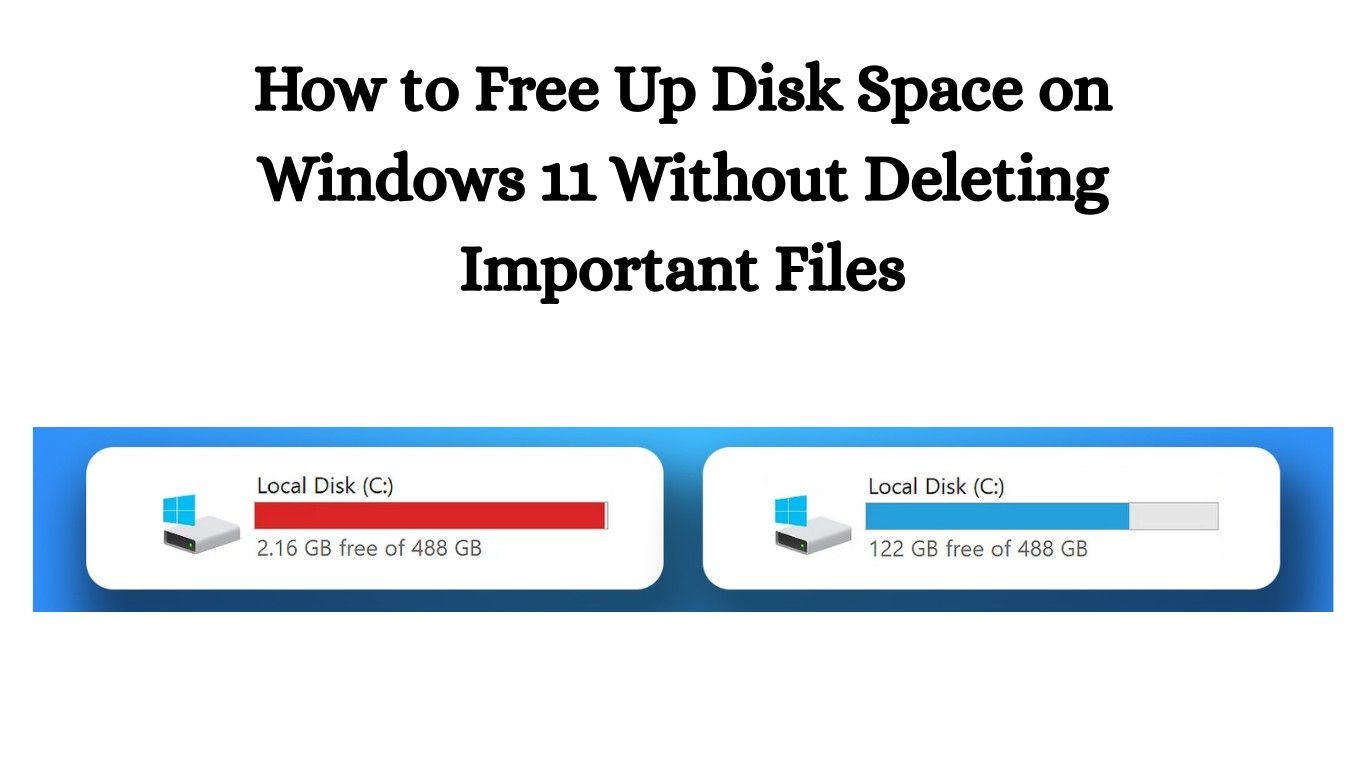
How to Free Up Disk Space on Windows 11 Without Deleting Important Files

How to Free Up Disk Space on Windows 11 Without Deleting Important Files

If you’ve been seeing that dreaded “Low Disk Space” warning on your Windows 11 PC, don’t panic. You’re not alone! Many people struggle with storage issues, but the good news is that you can learn how to free up disk space on Windows 11 without deleting important files. Yes, you read that right—you don’t have … Read more

Fix No Sound or Audio Missing After Windows Update

Fix No Sound or Audio Missing After Windows Update

Fix No Sound or Audio Missing After Windows Update: If you’re here, chances are you’ve just updated Windows and now—silence. No sound, no notifications, no music, nothing. Don’t worry—you’re not alone. Many users face this problem, but the good news is it’s usually easy to fix. In this guide, I’ll walk you step by step … Read more

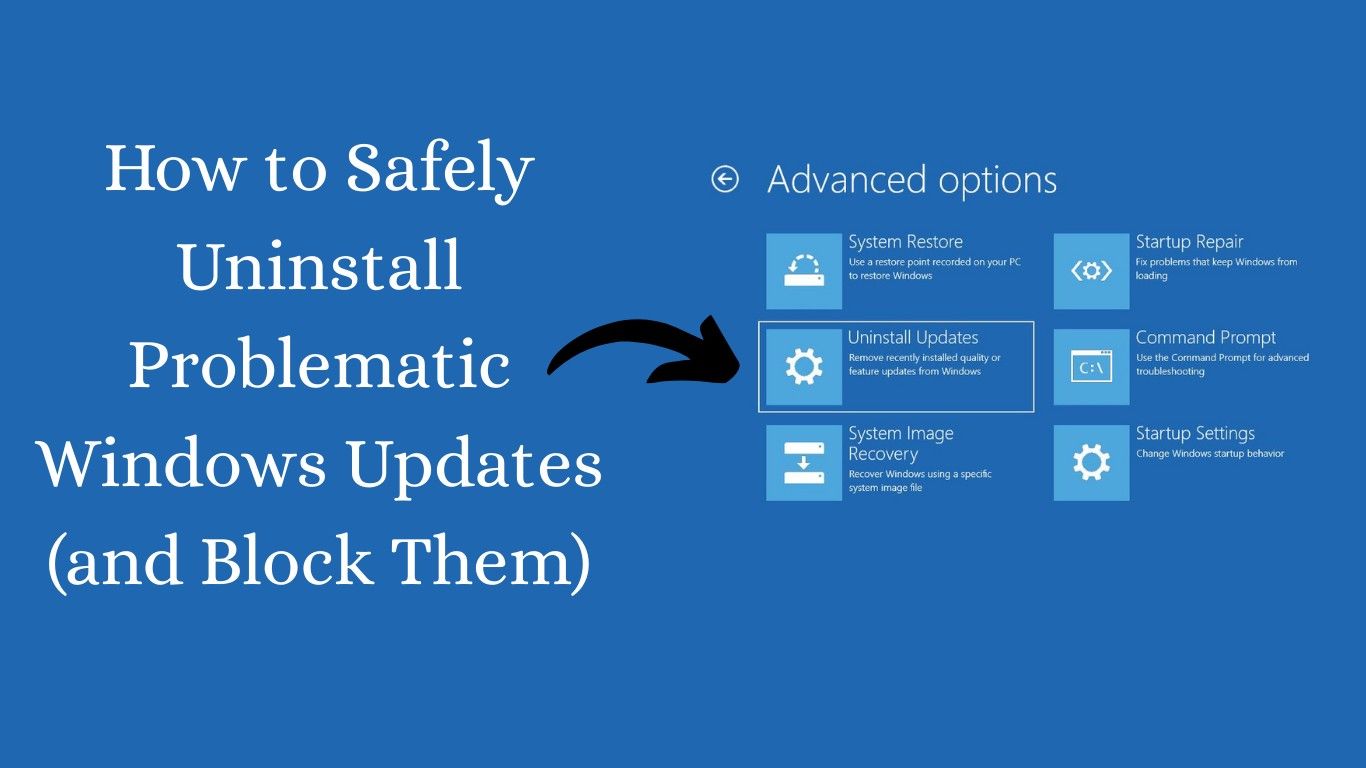
How to Safely Uninstall Problematic Windows Updates (and Block Them)

How to Safely Uninstall Problematic Windows Updates (and Block Them)

How to safely uninstall problematic Windows updates is a question many Windows users ask when their PC starts acting weird after a recent update. Let’s be honest—updates are supposed to fix bugs, improve security, and give you new features. But sometimes, they end up breaking your system instead of fixing it. If your computer has … Read more

How to Use Safe Mode in Windows 11 (When and How to Boot Safely)

How to Use Safe Mode in Windows 11 (When and How to Boot Safely)

Windows 11 is designed to be user-friendly, but sometimes even the most reliable PCs run into problems. That’s where Safe Mode in Windows 11 comes to the rescue. If your system is acting up, Safe Mode allows you to troubleshoot issues without unnecessary programs interfering. In this guide, I’ll walk you through when to use … Read more