
You’ve got a big old hard drive with plenty of free space, and a 212 GB game on the way. Do you have to buy an SSD first, or will the drive you already own be fine? Here’s the honest answer on whether you need an SSD for GTA 6: Rockstar hasn’t announced a PC version, so there’s no official storage requirement. On console, the question is already answered, because both consoles use solid-state drives. If you’re thinking about PC, an SSD is the sensible bet for any big open-world game, and this guide explains why.
Quick answer
- GTA 6 on PC: not announced, so no official SSD requirement
- Consoles: PS5 and Xbox Series X|S both use solid-state storage
- For modern open-world games: an SSD is strongly recommended, and some games require one
- SATA or NVMe: either is a huge upgrade over a hard drive
- Console install size: up to 212 GB
Table of Contents
Do You Need an SSD for GTA 6? What We Know
Rockstar has confirmed PS5 and Xbox Series X|S only, with a November 19 launch. A PC version hasn’t been announced, and neither has a PC release date or any system requirements. So nobody can tell you whether a hard drive would be allowed.
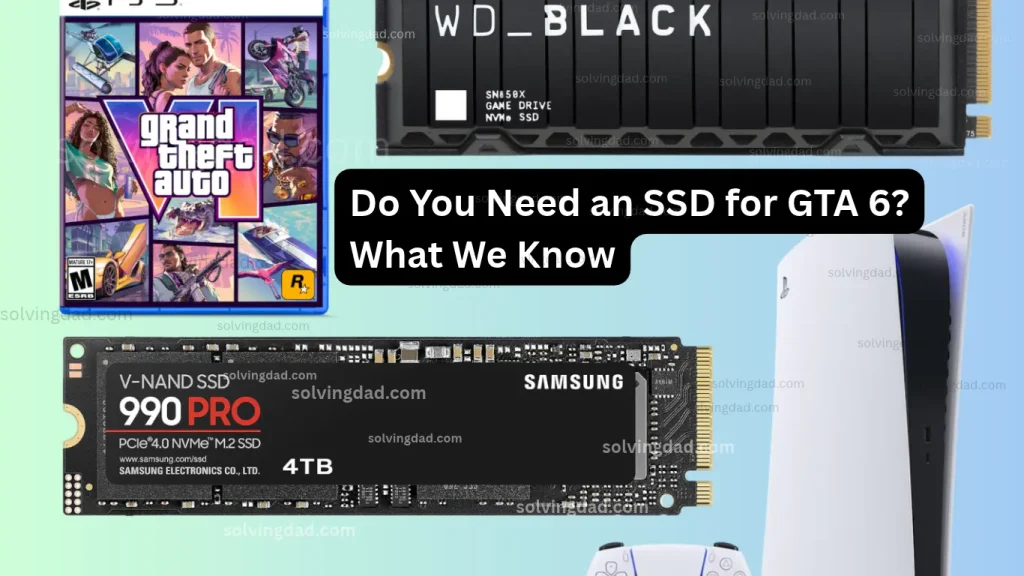
Here’s what we can reason from. Both consoles use solid-state storage, so the game is built around that kind of speed. Rockstar says the console install needs up to 212 GB. If a PC version ever arrives, I’d expect fast storage to matter, but that’s my opinion based on how other big games have gone, not something Rockstar has said.
HDD vs SSD in Plain English
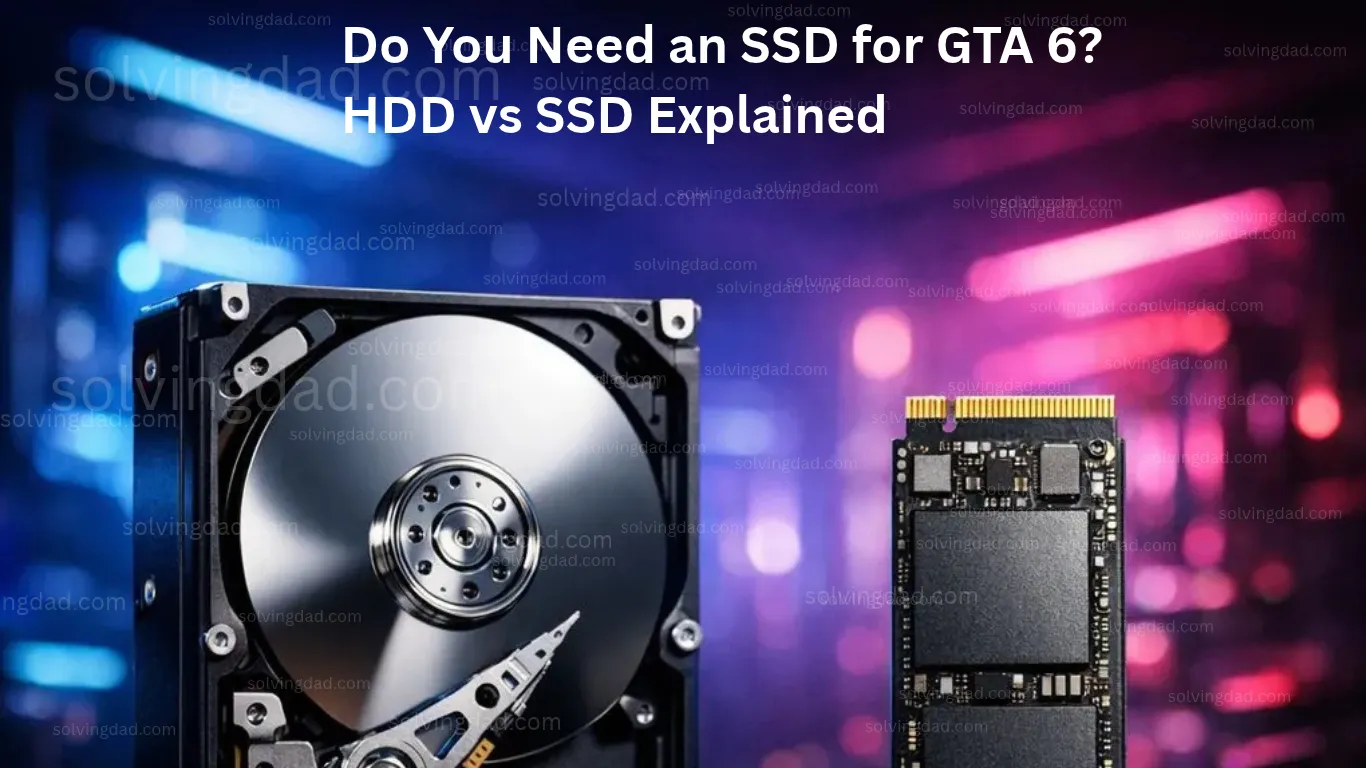
A hard drive (HDD) has spinning disks and a moving read head. It’s cheap per gigabyte and good for storing lots of stuff, but it’s slow at finding many small pieces of data quickly.
A solid-state drive (SSD) has no moving parts. It reads data far faster, starts up quicker, and makes no noise. It costs more per gigabyte, though.
Think of it like a library. An HDD is one librarian walking between shelves. An SSD is a computer lookup that points you straight to the page.
What an SSD Actually Changes in Games
Here’s what many people get wrong: an SSD doesn’t make your game run at a higher frame rate. Tests generally show games on an SSD don’t deliver more frames per second than the same games on an HDD.
What it does change is how fast the game loads and streams. An SSD reduces load times, helps remove texture pop-in, and improves asset streaming, which can make gameplay feel smoother, especially in open-world games.
That matters for something like GTA 6, where the world is huge and constantly loading around you. On a slow drive, you may see low-quality textures that take a moment to sharpen, or noticeable pauses when you move fast. An SSD makes those problems much less likely. It also speeds up everything else you do: booting Windows, opening apps, and installing updates.
Games That Already Require an SSD
This isn’t a theoretical argument. Starfield listed 125 GB of SSD storage as a minimum requirement on PC, and Cyberpunk 2077 stopped supporting hard drives in its minimum specs. Cyberpunk didn’t stop working on hard drives, but the developer said it would no longer test or support them.
Others have followed. Games that use Microsoft’s DirectStorage technology, such as Ratchet & Clank: Rift Apart, are designed around fast drives. If you’re buying new games for PC, check the requirements page before you hit buy. If it says “SSD required,” a hard drive isn’t just slower, it’s unsupported.
SATA SSD or NVMe: Which One?
There are two main kinds of SSD. SATA SSDs are the older, cheaper type. NVMe SSDs plug into an M.2 slot on the motherboard and are faster on paper.
In real games, the gap is smaller than you’d think. Independent tests often show only 1 to 3 seconds between a SATA SSD and a fast NVMe on a 15 to 30 second load. The jump from a hard drive to any SSD is the big one.
That said, DirectStorage needs an NVMe drive and Windows 11 with a compatible graphics card. If you’re buying a new SSD anyway and your motherboard has an M.2 slot, NVMe is the safer long-term choice. If you’re on Windows 10, remember Microsoft ended regular support in October 2025, so moving to Windows 11 is worth considering if your PC qualifies.
How to Check What Drive You Have
This takes about a minute.
Task Manager method. Right-click the taskbar, open Task Manager, click Performance, and select your Disk. The drive type, such as SSD or HDD, shows in the top-right corner.
Optimize Drives method. Click Start, type Defragment and Optimize Drives, and open it. The Media type column says whether each drive is a hard disk drive or a solid-state drive.
A small warning: don’t run old-style defragmenting tools on an SSD. Windows handles SSD maintenance on its own, so just look, don’t change anything.
How Much SSD ( SSD for GTA 6 ) Space Do You Need?
Big games are big. GTA 6 on console is up to 212 GB, and a PC version could be different. Many modern games take 50 to 150 GB each. So the size of your SSD matters as much as the type.
My practical advice: 1 TB is a comfortable starting point for a gaming PC, and 2 TB if you keep several large games installed at once. Try to leave some free space on any drive, since a nearly full SSD can slow down.
You can also check how much room you have under Settings > System > Storage. Our guide on GTA 6 file size shows how to make space.
What About Price?
SSD prices have been hit by the same memory shortage that’s driven up RAM prices. One tracker cited in coverage showed the average 2 TB NVMe SSD jumping from about $190 to nearly $450 over the same period that RAM prices spiked. Prices vary a lot by country and store, so check your own market.
This is where a hybrid setup helps. Keep Windows and the games you’re actively playing on an SSD, and park older games or big files on a hard drive. If you use Steam, you can move a game between drives from its storage settings. It’s a cheap way to get most of the benefit without buying a huge SSD.
Also Read: GTA 6 Release Date, Platforms and Everything We Know
FAQs
Do I need an SSD for GTA 6?
Rockstar hasn’t announced a PC version, so there’s no official requirement. On console, both systems use SSDs.
Will an SSD increase my FPS?
No. It mainly speeds up loading and asset streaming.
Is NVMe necessary, or is a SATA SSD enough?
A SATA SSD is a big upgrade over a hard drive. NVMe is better for the long term, especially for DirectStorage.
Can I run games from an HDD?
Many still run, but some games now require an SSD, and open-world games can feel worse on a hard drive.
How big should my SSD be?
1 TB is a comfortable starting point. 2 TB is better if you keep many large games installed.
What to Do Next
Check your drive type in Task Manager today. If your games sit on a hard drive and you play big open-world titles, moving your favorites to an SSD is one of the most noticeable upgrades you can make. And whether you need an SSD for GTA 6 on PC will be easier to answer once Rockstar announces a PC version.
Also Read: